
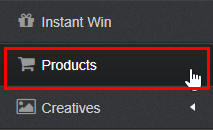
Step 1: Select the products button on Portal
Step 2: Click on create new product

Step 3: Fill out the form, making sure to enter how many points you want to give to a customer for purchasing that product
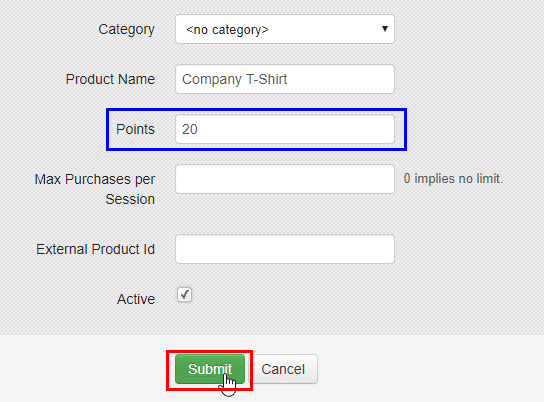
- Category: Used if you have many products, and you would like to organize them into categories
- Product Name: The name of the product that your customer is purchasing
- Points: The number of points you want to provide to a customer for purchasing a specific product
- Max Purchases per Session: Used if you want to set a limit to the number of products that a single customer can purchase at one time
- External Product ID: Used if you have integration with Lightspeed, Square, or Clover so that you can connect a product in your POS to TapMango.
- Active: When checked, this product is available to your customers
If you would like to learn how your cashiers can use the TapMango tablet to purchase a product, click here
Comments
0 comments
Article is closed for comments.