
You can use Portal to update a customer's profile, including changing their points
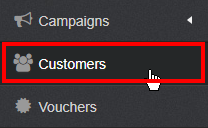
Step 1: Select the "Customers" button
Step 2: Use the search bar to find your customer. You can search for their name, email address, or phone number
Step 3: Select your customer
Step 4: Update your customer's profile
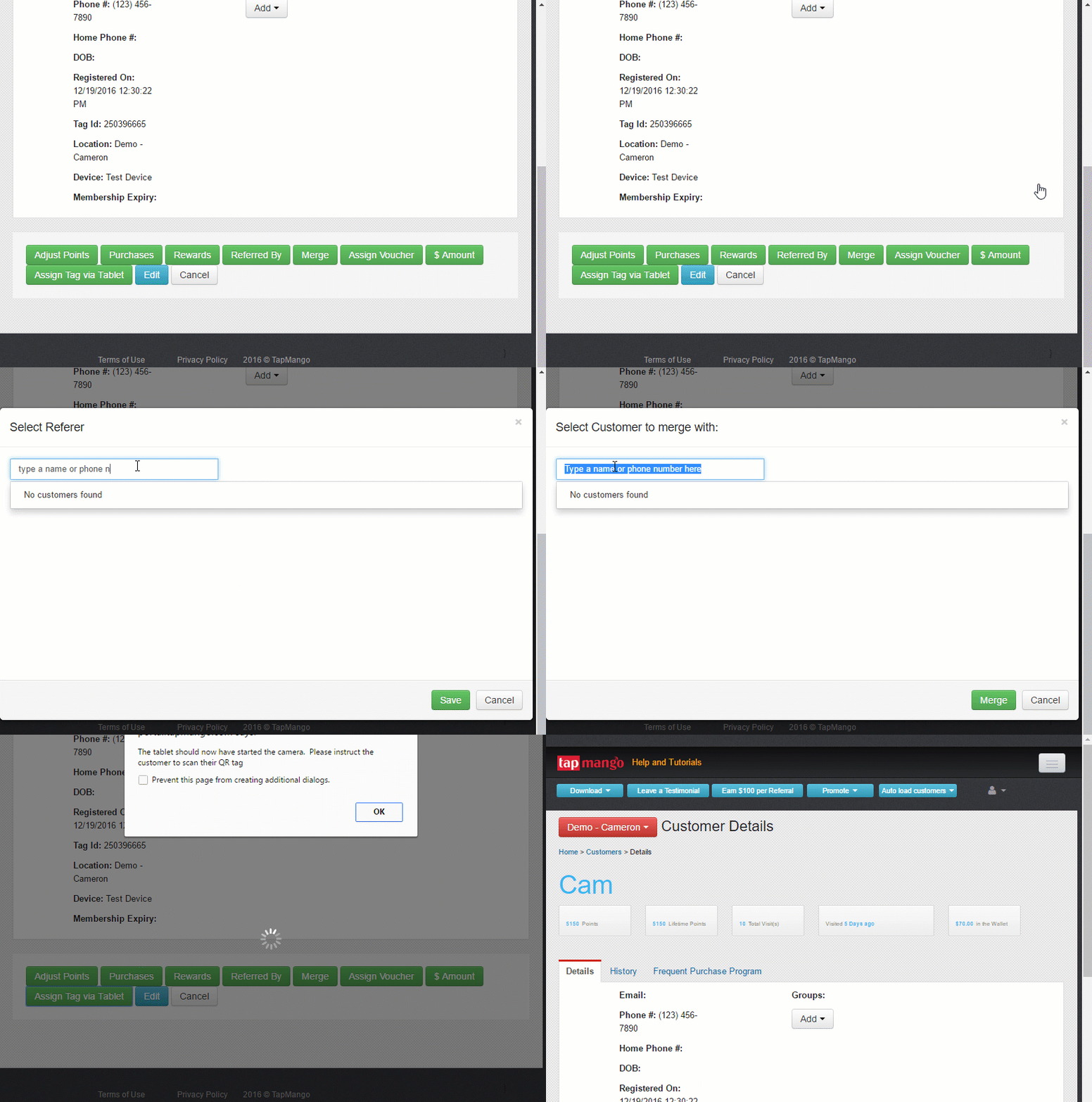
- Adjust Points: Can add or remove points for a customer
- Purchases: Can select a TapMango Product to be purchased by a customer. This can provide bonus points, or activate actions based on your product and campaign settings.
- Rewards: Redeems a reward and removes the appropirate number of points from their accounts
- Merge: Merges two accounts together, combining a customers' points and contact information
- Assign Voucher: Adds a voucher to a customers' account that they can redeem in the future
- $ Amount: Acts like the Purchase tab on the TapMango Tablet:
- Rewards: Updates points based on dollar spent
- Load onto Wallet: Loads money on a customer's wallet
- Pay from Wallet: Removes money from a customer's wallet
- Assign Tag Via Tablet: Activates the TapMango tablet, so that you can scan a new tag and assign it to your customer
- Check in: Considers your customer 'checked in' and activates any campaign related to checking in a customer
- Edit: You can edit your customer's information such as Name, Email, Phone Number and Birthday
Comments
0 comments
Article is closed for comments.