
What Are Playlists?
TapMango provides the option to showcase playlists, or screensavers on the tablet. These can be automatically generated or images of your choice. This is great because now your tablet doubles as a digital display!
How can I access Playlists?
Playlists are edited, or created by going to http://portal.tapmango.com > creatives > playlists
See our guide on updating your playlists for more info:
How Do I Update or Create Playlists for My Tablet?
Automatically Generated
By default we'll automatically generate some screensavers for you and display the following (If applicable to your account):
- Registration Bonus
- SMS Keyword and how to Sign Up Via SMS
- Available Rewards
- Your Mobile App, or TapMango App
- Your Store's Logo
Playlist Item Types Explained
Register In Store
This item type will display whatever you have set for your in-store sign up bonus. (The campaign trigger set for When Customer Signs Up In-Store)

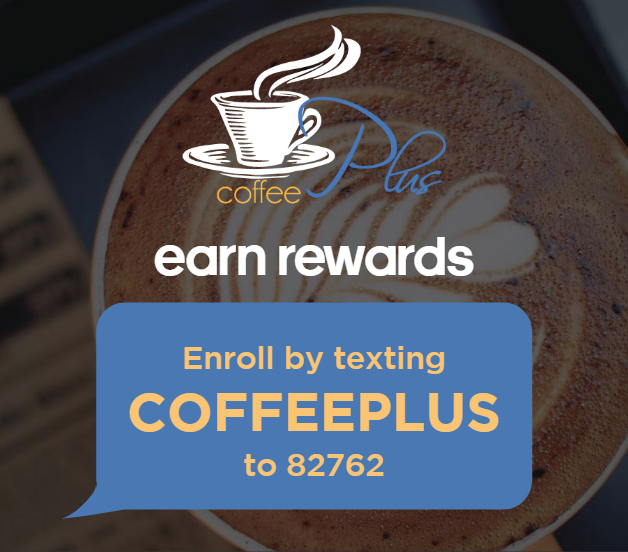
Register Via SMS
This playlist item type will display your SMS Sign Up Keyword, as well as the Short Code to text for customers to Sign Up.
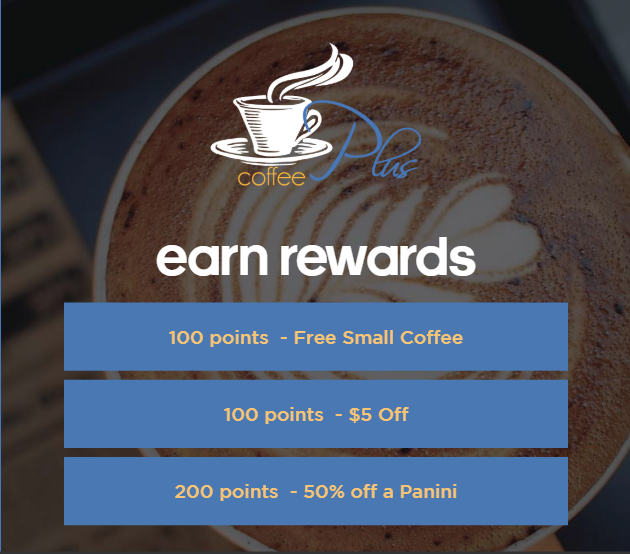
Available Rewards
This playlist item type will list all rewards you have available. There are a maximum of 3 per screen, and this will cycle through all your rewards.
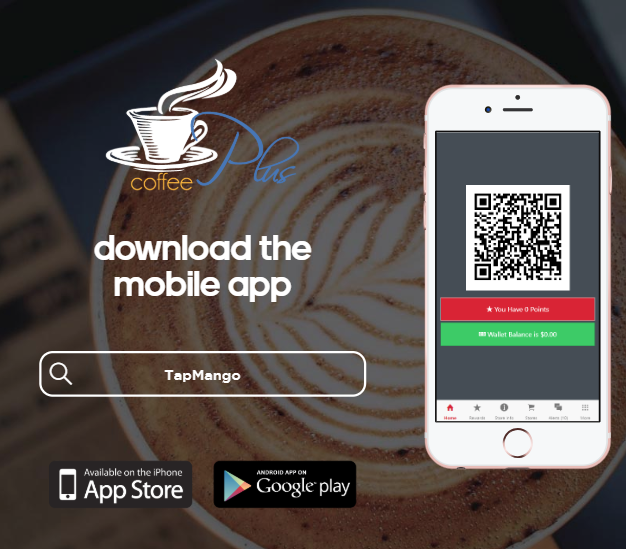
TapMango Application
This playlist item will show customers how to find the app. Note: The text to search, as well as the image will be replaced with your own branded app if you have one. Otherwise it will be generic and show to search for TapMango
Store Logo
This playlist item will show whatever your store's logo is. That you have uploaded as your tablet logo under creatives > device creatives.
Questions?
If you have extra questions don't be shy and talk to us and we'll be happy to help!
Comments
0 comments
Article is closed for comments.