
What Are Device Creatives?
TapMango offers some customization that you can control yourself. We provide this in the form of being able to upload your own images. We call these device creatives.
With device creatives you can customize:
- Tablet Logo
- Mobile App Logo
- Mobile App Background
- Email Logo
- Customer Sign Up Page Logo
- General Web Logo
- Social Media Image
Where do I find Device Creatives?
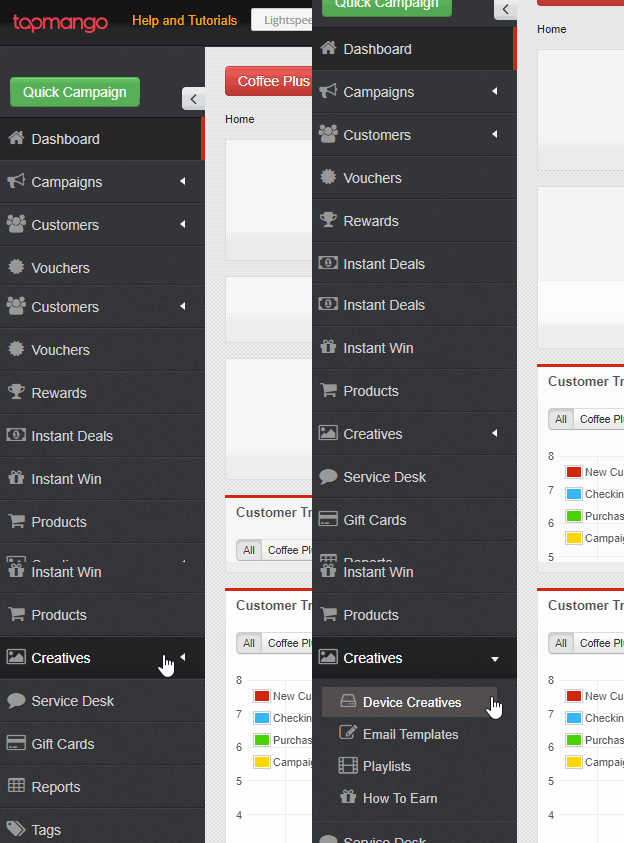
To access your device creatives navigate to http://portal.tapmango.com > creatives > device creatives
How Do I Add or Edit a Device Creative?
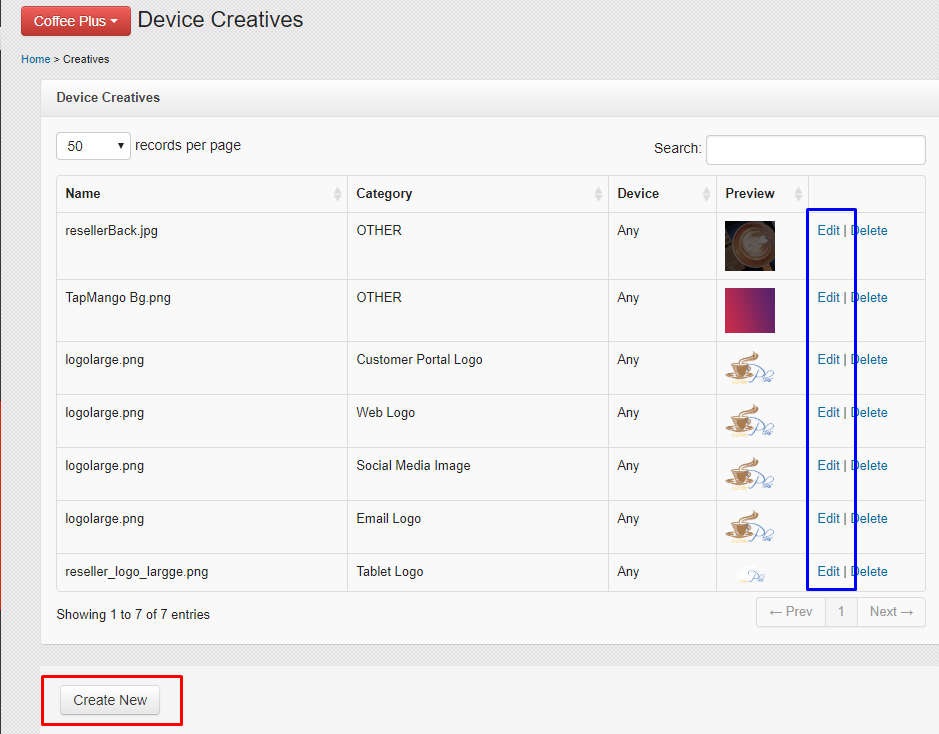
During your onboarding process you'll have some creatives uploaded for you. These can be changed or new ones can be added at any time.
When on the device creatives page select create new at the bottom of the page to add a new device creative. You may also edit an existing item.
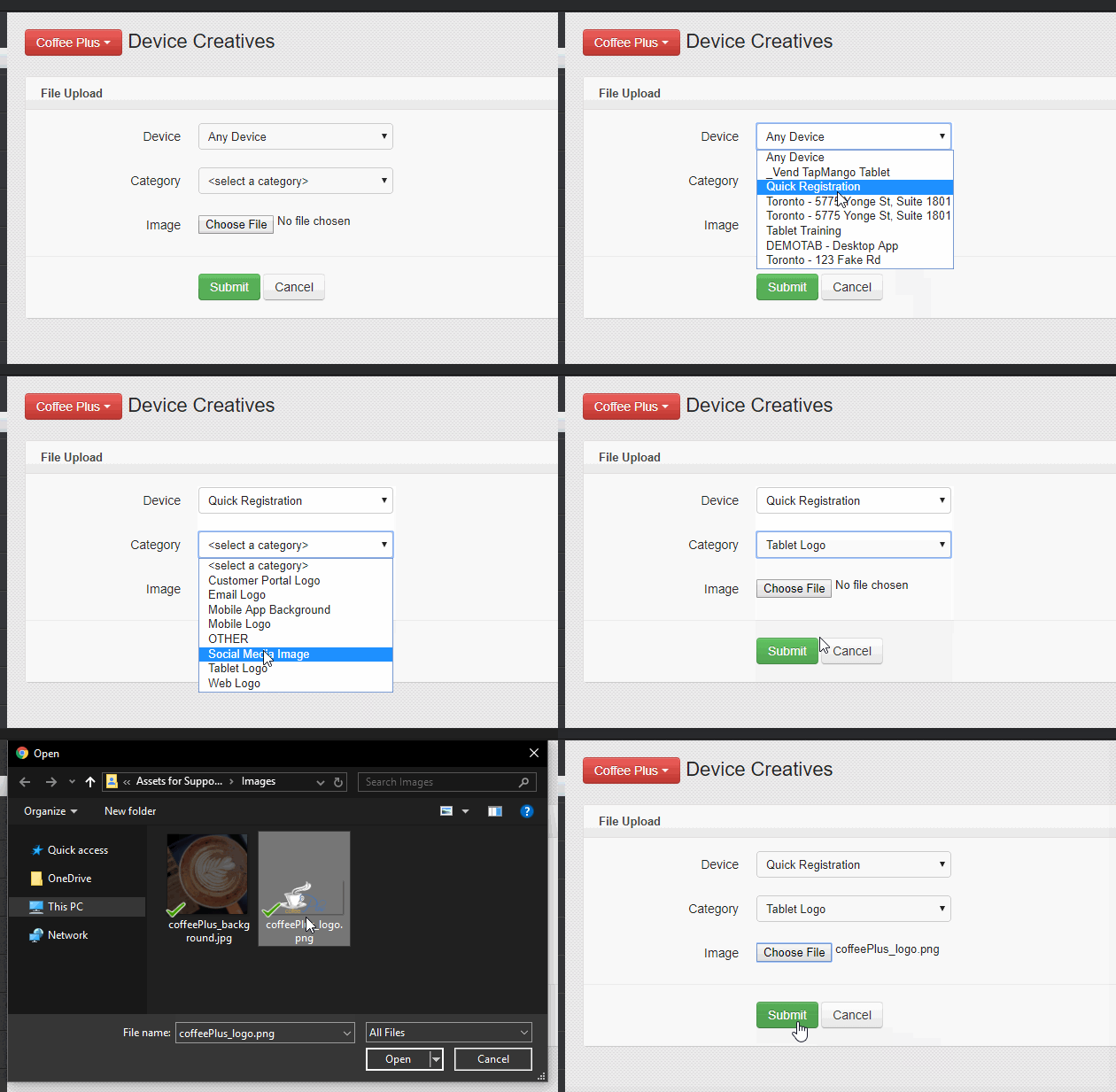
When creating or editing you just need to select:
- If this creative applies to a single tablet or not
- The creative type (category)
- The Image
What does each type do?
Each type has a specific purpose, here's a more detailed explanation.
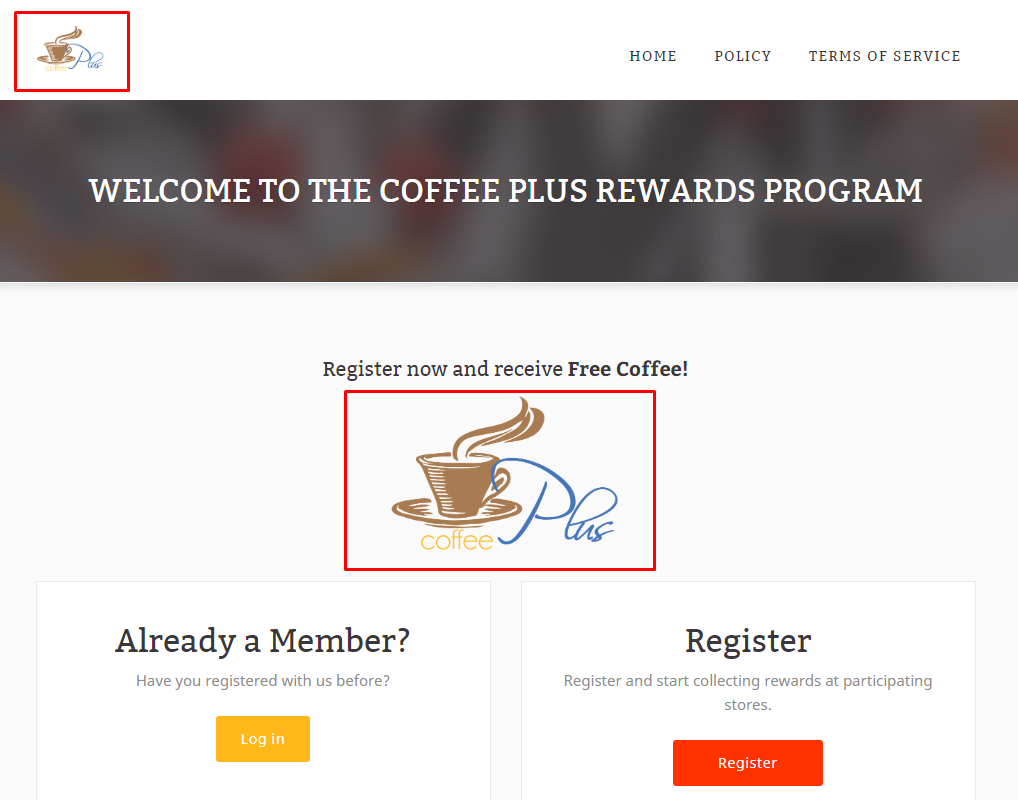
Customer Portal Logo
Used in your online sign up page. It appears at the top of the page when customers view your page.
Email Logo
This is the image the appears at the top of your emails on your default template. Where the [[LOGO]] special tag is.
Mobile App Background
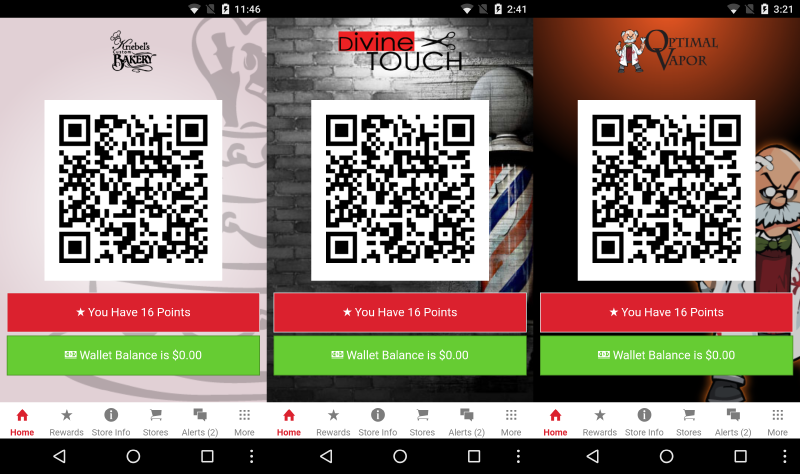
This image appears behind the QR code on the TapMango mobile app once a customer begins earning points at your store. If you have a branded TapMango application this image replaces the default background image instead.
Mobile Logo
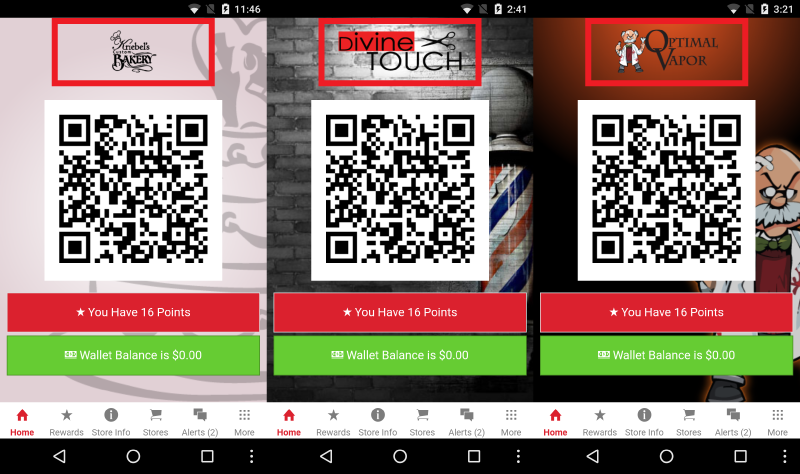
The image that appears for use in the TapMango mobile app. This shows above the QR code on the home tab. This has the same use for branded and non-branded versions of the app.
Social Media Image
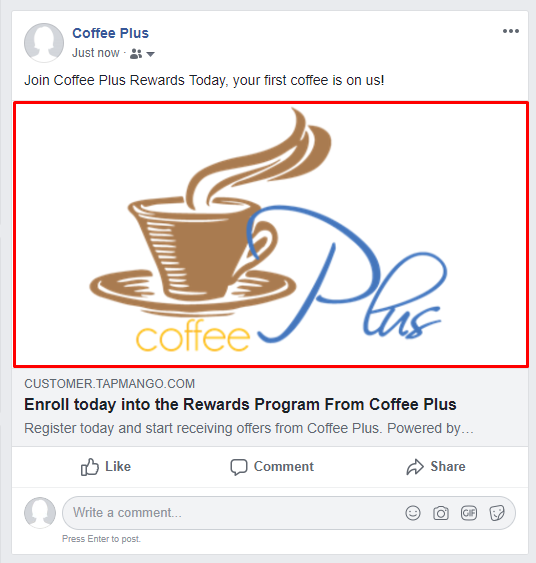
This image shows when a post to facebook is made, or sharing to social media using the promote feature. It's the image that is connected to the post itself.
Tablet Logo
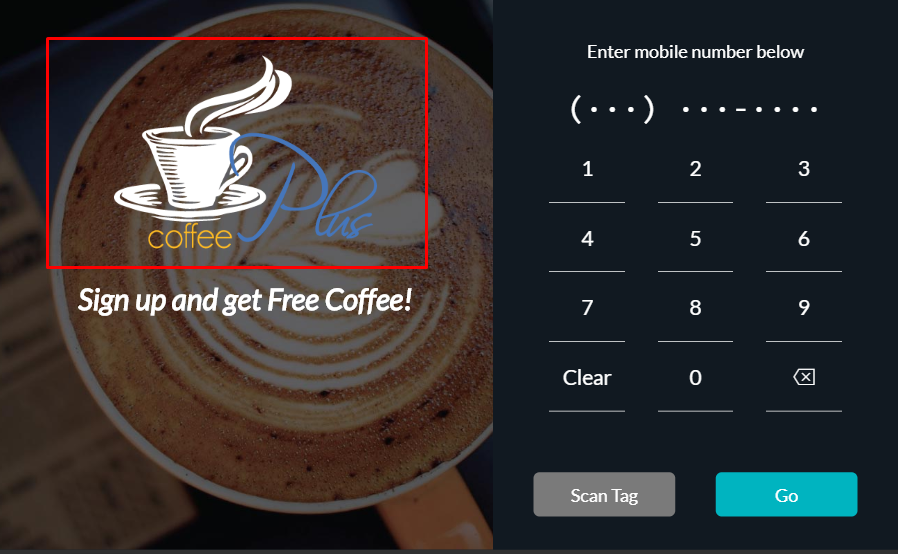
The logo used on your TapMango tablet's main screen, and the default logo used in playlist items.
Web Logo
Used for your instant deal page or other web landing pages TapMango makes available.
Other
This type is reserved for miscellaneous items. TapMango will use this to create your tablet branding, often uploading an image for the tablet's background. We do this so it can be edited by you later just by replacing the image.
You may also use this type if you wanted to upload an image to later link in an SMS by using a URL shortening service such as https://tinyurl.com/ or https://bitly.com/
Questions?
If you have extra questions don't be shy and talk to us and we'll be happy to help!
Comments
0 comments
Article is closed for comments.